46 recoil crosshairs.
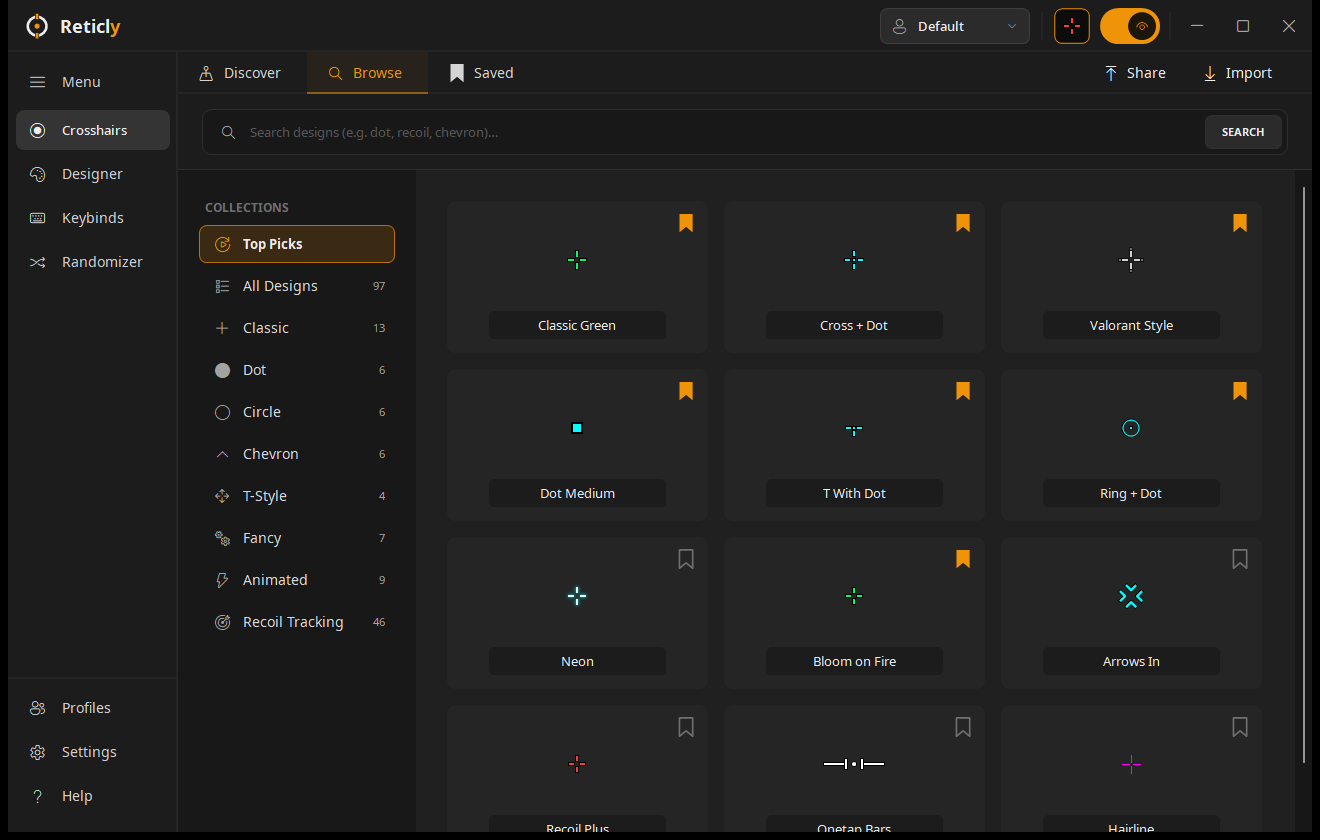
Plus, dot, ring, box, bracket and chevron trackers. Comet trails, heat ramps, pull guides.
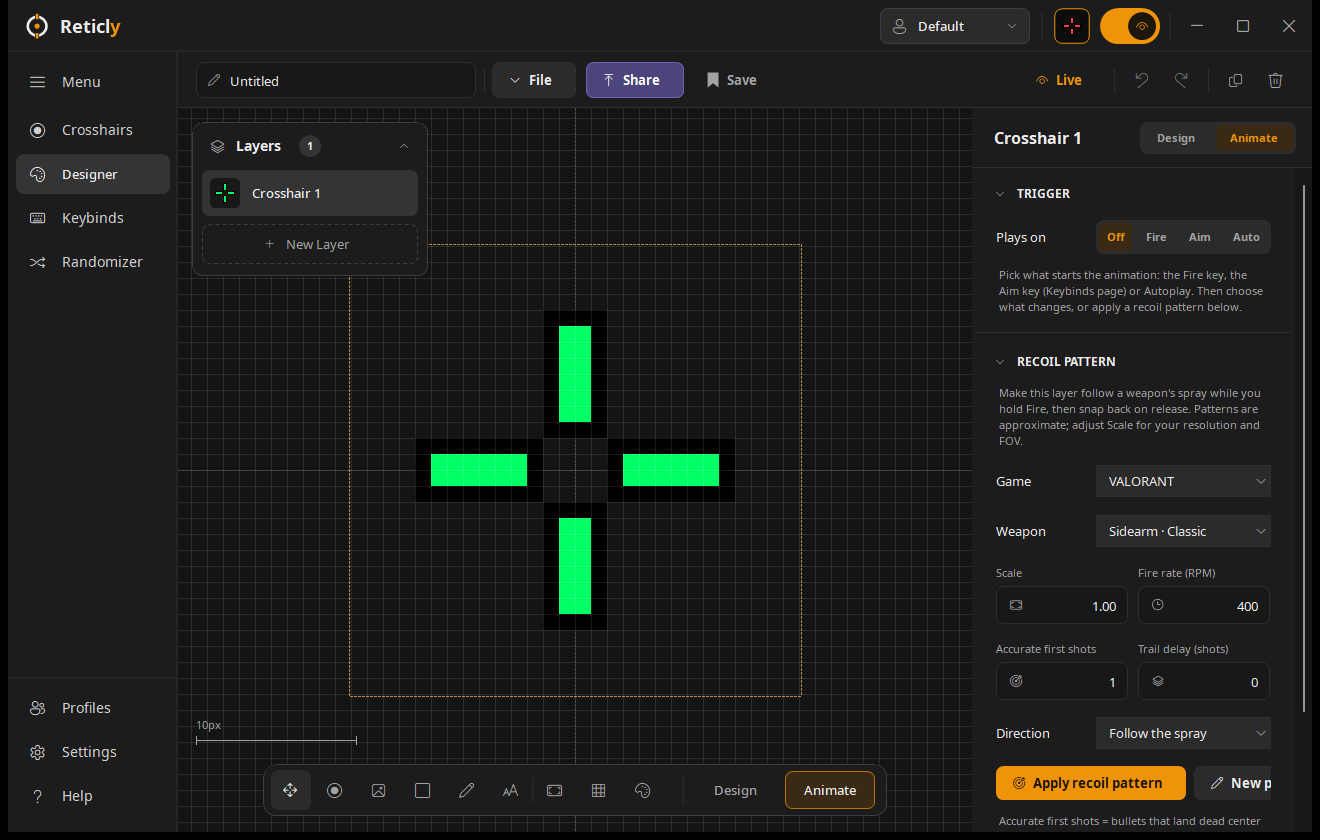
The first bullets stay dead center, just like in game. Then the tracker starts to move.
It walks the Vandal's real spray, one bullet at a time, at its real fire rate. Right where your shots go.
VALORANT, Counter-Strike 2, Rust and Apex Legends. Every gun has its own pattern.
Release fire and the tracker returns to center, ready for the next spray.
Plus, dot, ring, box, bracket and chevron trackers. Comet trails, heat ramps, pull guides.
Drawn on the true center pixel of your monitor, in physical pixels.
Drag any gun's bullets, test the spray, add your own guns.
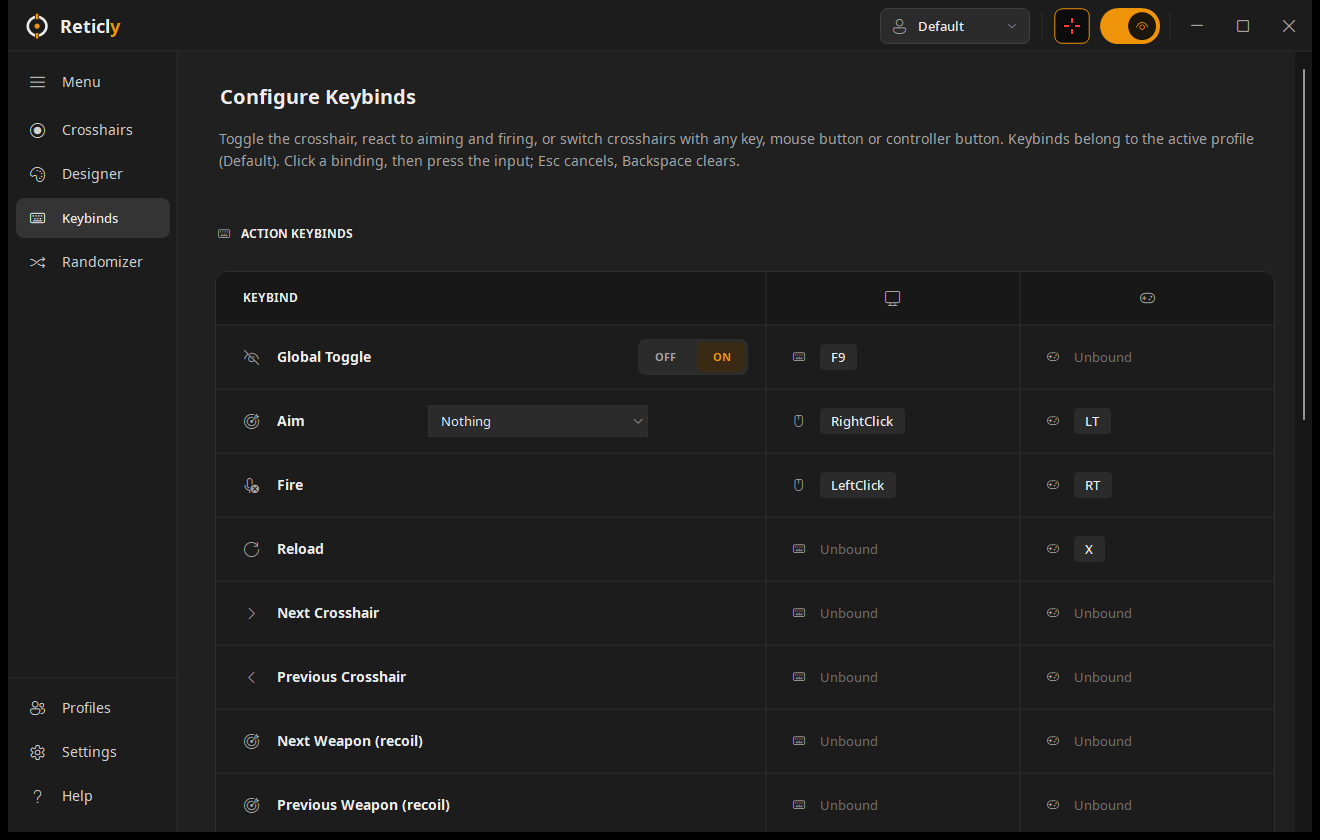
A hit marker or kill flash on your own keys, or on every shot.
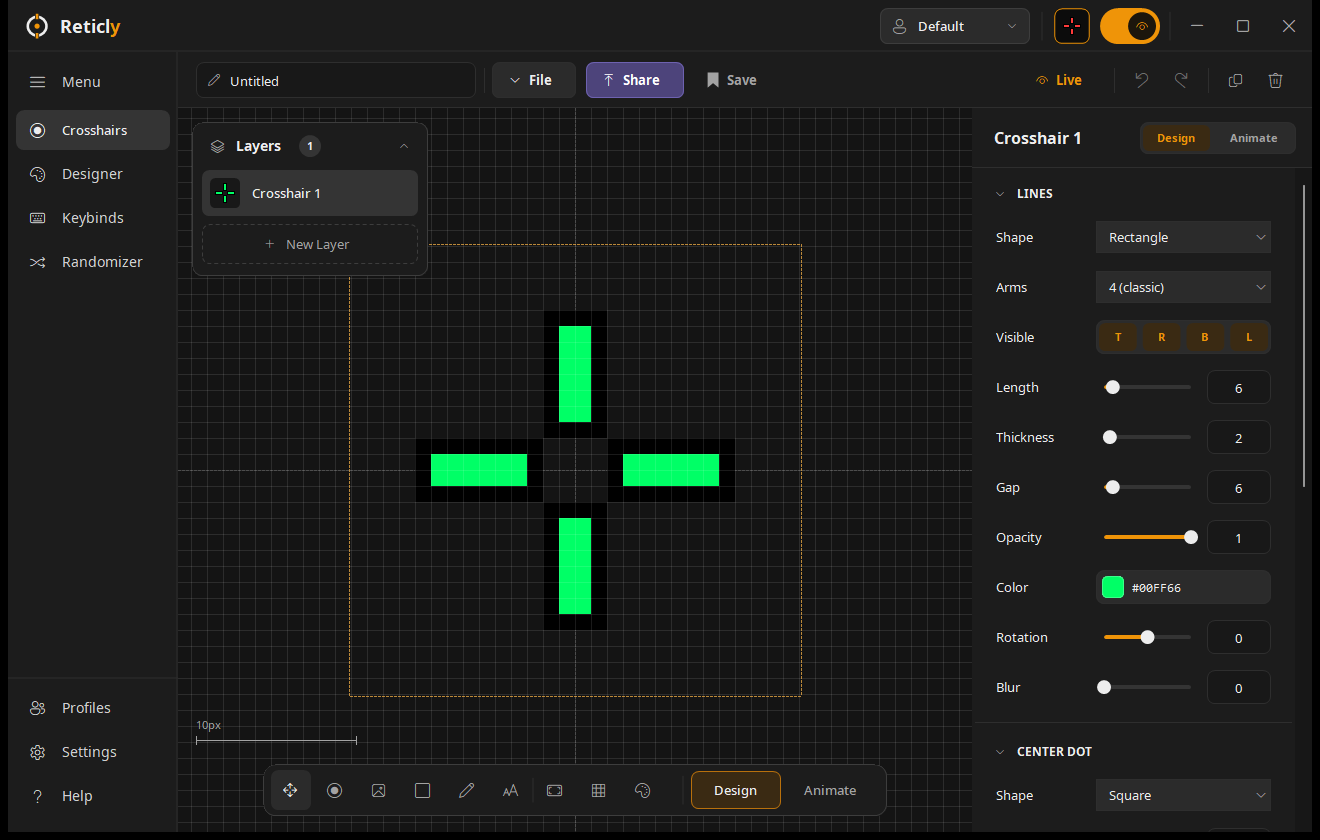
Its own crosshair, keybinds and loadout, switched automatically.
MIT licensed. One small file. No installer, no account, and it never reads or touches the game.
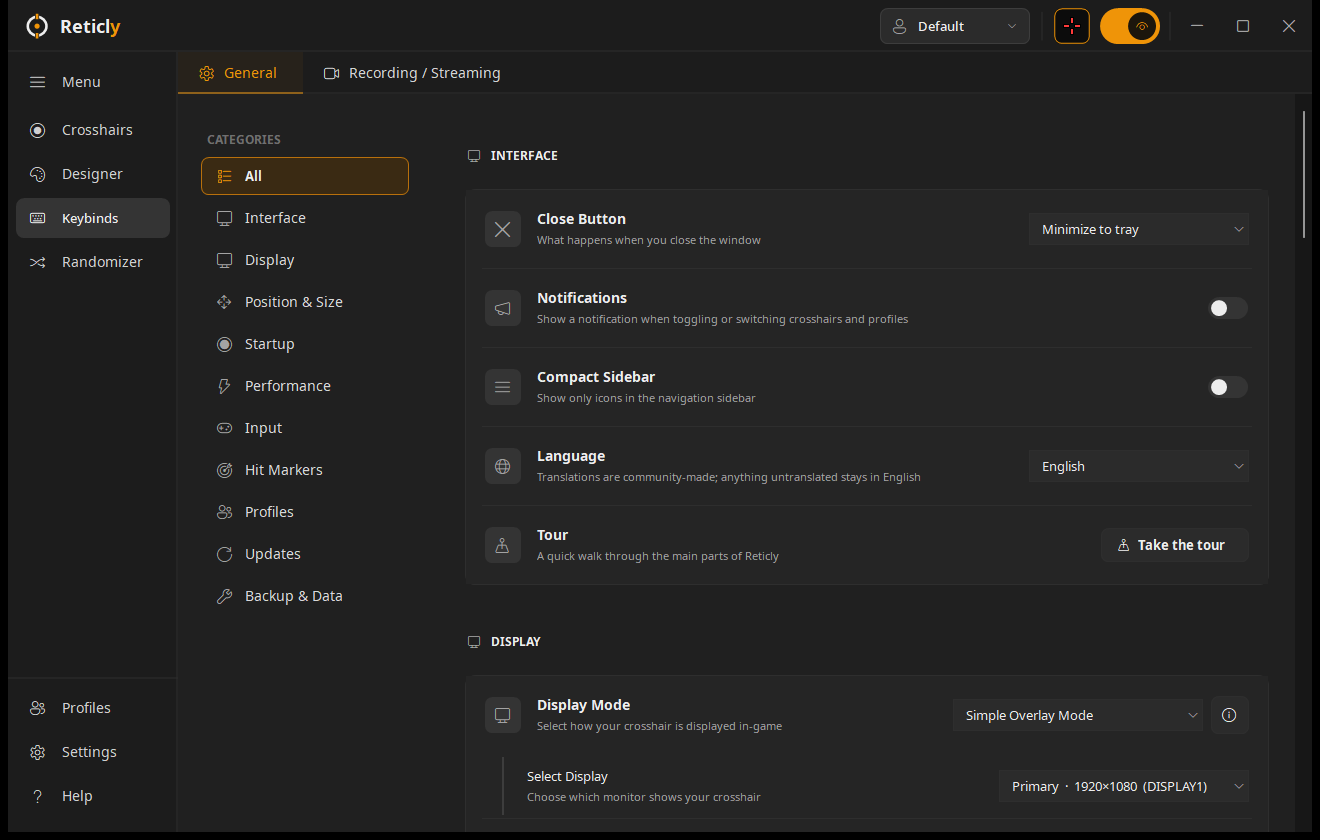
English, Español, Deutsch, Français and Português.
Hold the mouse, a finger or the space bar on the plot. marks a hand-tuned pattern. Patterns are approximations.
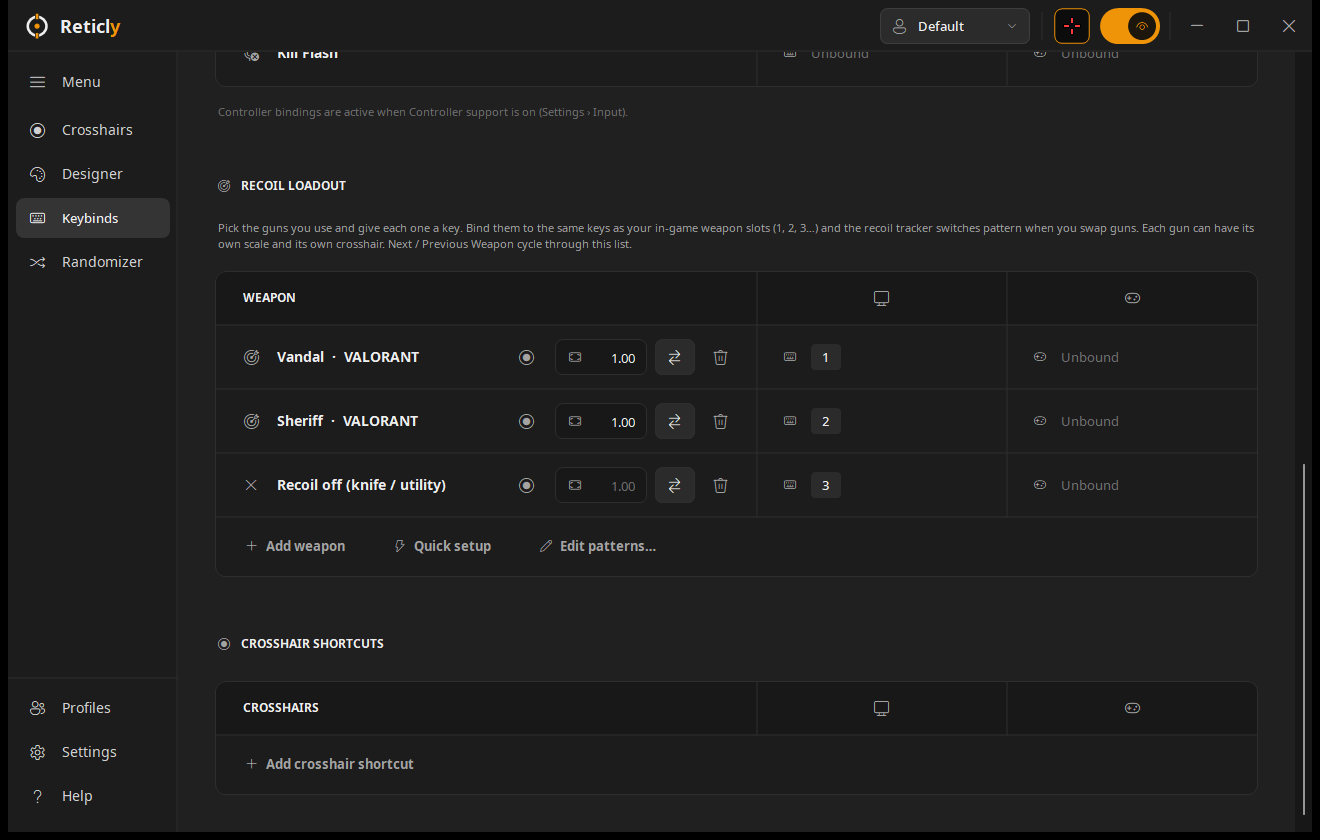




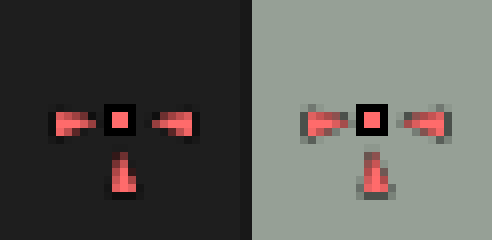


In Reticly: Discover › Community gallery › Share yours. See submissions
One file. Put it anywhere and double-click. Nothing to install.
The app isn't code-signed yet, so Windows asks once before running a new app.
It's on screen instantly. Shift + Alt + Z shows and hides it.
Windows warns about any app that isn't code-signed, and signing costs money every year. The source is public on GitHub, so you can see exactly what it does. Click More info, then Run anyway.
That's Smart App Control, which blocks every unsigned app. You can build Reticly yourself from the source: clone the repo and run .\build.ps1. No Visual Studio needed.
No. It's a click-through window drawn on top of the game. It never reads or changes game files or memory. Some games' rules don't allow crosshair overlays in competitive play, so check the game you play.
Each release lists its SHA-256. In PowerShell, Get-FileHash .\Reticly.exe should match: F25B636A49C70B3DBFE0570D1189C190236149A29F68890CD3374E22A45D7820
From version 1.3 on, Reticly checks GitHub about once a day and updates itself. Your crosshairs and settings carry over.